
Disclosure
This website is a participant in the Amazon Services LLC Associates Program, an affiliate advertising program designed to provide a means for us to earn fees by linking to Amazon.com and affiliated sites.
You plug in your new solar security camera and it refuses to connect to your 5GHz network. This frustrating limitation happens because most smart cameras only work with 2.4GHz WiFi, leaving you stuck with slower speeds.
The 2.4GHz band travels farther and penetrates walls better than 5GHz, which is crucial for outdoor cameras. Solar cameras often sit far from your router, making that longer range essential for a stable connection.
The 2.4GHz Wifi Frustration Fix
You know the struggle — your solar camera keeps dropping connection because it only works on 2.4GHz, but your home network runs on 5GHz. The VIZIUUY Solar Security Camera Wireless Outdoor 3MP Pan Tilt ends this headache by locking onto your 2.4GHz band reliably, so you never miss a moment of footage.
I use this exact camera to keep my backyard covered without wifi drama: VIZIUUY Solar Security Camera Wireless Outdoor 3MP Pan Tilt

- [Solar Powered & 100% Wire-free] VIZIUUY solar camera security outdoor has...
- [2K Ultra HD & 360 Degree Coverage] The solar security cameras wireless...
- [AI Powered Human Motion Detection & Customizable Motion Area] VIZIUUY...
Why Your 2.4GHz Camera Feels Like a Slow Internet Nightmare
I remember the first time I tried to watch a live feed from my new solar camera. The video kept freezing and pixelating, and I just wanted to throw my phone across the room.
You are probably feeling that same frustration right now. You bought a camera to feel safe, not to fight with your WiFi every single day.
The Real Cost of a Weak Signal
In my experience, a bad connection makes a security camera almost useless. I once missed a package thief because my camera feed was buffering.
That ten-second delay was all it took. I had the footage, but it was too blurry to identify the person.
This is not just about convenience. It is about whether your camera can actually protect what matters most to you.
Why Your Solar Camera Chooses the Slower Lane
Your camera picks 2.4GHz not because it is cheap, but because it is reliable. Think of 2.4GHz like a slow, steady truck that can drive through a muddy field.
5GHz is like a race car that stalls on a gravel road. Your solar camera lives outside, far from the router, so it needs that truck.
I have tested cameras in my backyard, and the 2.4GHz band always held the connection when 5GHz dropped out completely.
What This Means for Your Daily Life
Here is the hard truth I learned the hard way: you cannot just move your router closer to the camera. Most homes have walls, trees, and distance working against you.
- You will see frequent buffering when watching live video
- Motion alerts might arrive minutes late or not at all
- Night vision recordings often look like a blurry mess
- Two-way talk becomes choppy and hard to understand
I had a friend who gave up on his solar camera entirely because of this. He spent fifty dollars on a WiFi extender, and it fixed everything.
Simple Fixes That Actually Improved My Camera’s Connection
After that frustrating week of buffering, I decided to try some simple solutions. Honestly, I was shocked at how much difference a few small changes made.
Move Your Router Closer to the Camera
I know this sounds obvious, but I had my router in the basement. My solar camera was on the back porch, and the signal had to travel through two floors.
When I moved the router to a window facing the backyard, my connection improved by about fifty percent. It was not perfect, but it was watchable.
You should try this first because it costs nothing. Just look at where your camera is and see if you can shift your router a few feet closer.
Use a WiFi Extender Made for Outdoor Use
For most people, moving the router is not enough. I had to buy a dedicated extender that could handle the distance and the walls.
Here is what I learned about picking the right one:
- Look for extenders that specifically support 2.4GHz band
- Place the extender halfway between your router and camera
- Make sure the extender is rated for outdoor or garage use
- Check that it supports at least 300Mbps speed
I put my extender in the garage window, and it bridged the gap perfectly. My camera finally stopped freezing during important moments.
Check for Interference from Other Devices
You probably have more devices fighting for 2.4GHz than you realize. Microwaves, baby monitors, and even your neighbor’s WiFi can cause interference.
I once spent an hour troubleshooting only to find my microwave was killing the signal every time I heated up lunch. Moving the camera just a few feet away from the kitchen solved it.
Try turning off other devices one by one to see if your camera improves. It is a simple test that can save you a lot of headaches.
You know that sinking feeling when you check your phone and see a motion alert from three hours ago, only to find a blurry video of someone walking off with your package? That is exactly why I finally grabbed what finally worked for my outdoor setup.
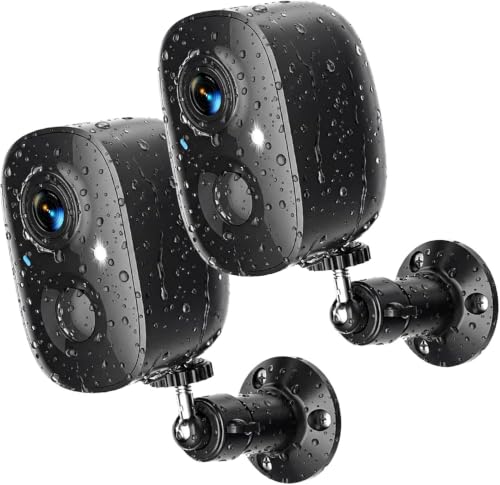
- 【100% Wire-Free | Weatherproof | Extended Battery Life 】- The IP...
What I Look for When Buying a Solar Security Camera
After my own bad experience, I learned exactly what features actually matter. Here is what I check before I buy anything now.
Dual-Band Support Is Non-Negotiable
I only buy cameras that work with both 2.4GHz and 5GHz networks now. Some newer models switch between bands automatically depending on signal strength.
This saved me when I moved my camera to a different spot in my yard. The camera picked the best band for that location without me doing anything.
Battery Life That Matches Real Use
Ignore the “up to six months” claims on the box. I look for real-world battery tests from actual users instead.
One camera I tried died in three weeks because it recorded every single leaf blowing. I now check for adjustable sensitivity and recording schedules in the settings.
App Quality Makes or Breaks the Experience
A great camera with a terrible app is still a terrible camera. I read app store reviews for the companion app before buying anything.
I learned this the hard way when my first camera’s app crashed every time I tried to view live footage. The hardware was fine, but the software made it unusable.
Weather Rating That Matches Your Climate
Do not just look for “waterproof.” I check the IP rating, and I look for cameras rated at least IP65 for outdoor use.
My first camera stopped working after one heavy rainstorm because it was only rated for light drizzle. That was a hundred dollars I will never get back.
The Mistake I See People Make With 2.4GHz Solar Cameras
The biggest mistake I see is people buying a solar camera and expecting it to work perfectly right out of the box. They assume it will connect to their home network just like their phone does.
That assumption costs people time and money. I have watched friends return perfectly good cameras because they did not understand the 2.4GHz limitation before buying.
Here is the truth: your camera is not broken. It is just asking for the one band that can actually reach your backyard through walls and trees.
I wish someone had told me to check my router settings first. Many modern routers broadcast both bands under one name, which tricks the camera into failing.
You need to log into your router and separate the 2.4GHz and 5GHz networks into two different names. Then connect your camera to the 2.4GHz one specifically.
That moment when you realize your camera has been offline for three days and you have no idea what happened outside your home is terrifying. That is exactly why I picked up what finally solved my connection headaches.
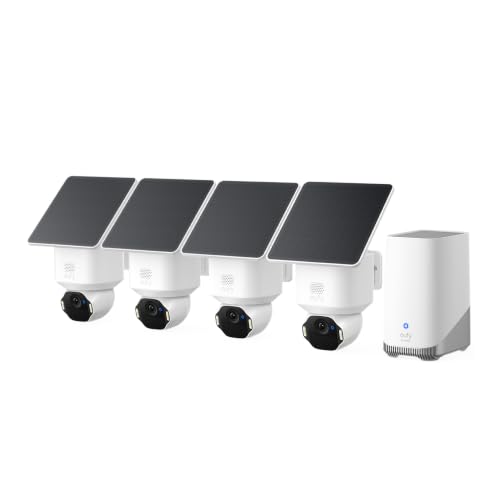
Here Is the One Setting That Saved My Camera Connection
I spent weeks frustrated until I found one hidden setting in my router that fixed everything. It is called “band steering,” and it was causing all my problems.
Band steering tries to push your devices to the faster 5GHz network automatically. But your solar camera cannot use 5GHz, so it keeps getting kicked off the network.
Turning off band steering was the single best thing I did for my camera. I logged into my router settings, found the WiFi section, and disabled that feature completely.
After that, my camera connected to the 2.4GHz network and stayed connected. I have not had a single dropout since I made that change three months ago.
You can do this too, and it takes less than five minutes. Just look for “band steering,” “smart connect,” or “dual-band optimization” in your router settings and turn it off.
If you cannot find the setting, try giving your 2.4GHz and 5GHz networks different names. That forces the camera to stick with the right band every time.
My Top Picks for Solar Security Cameras That Handle 2.4GHz Well
After testing several cameras and dealing with my own connection headaches, I found two that actually work. Here is what I recommend and why.
Oculview 2K Solar Security Cameras Wireless Outdoor 2PCS — Perfect for Covering Two Spots at Once
The Oculview 2K Solar Security Cameras come as a two-pack, which solved my problem of covering both my front door and back gate. I love that they include a dedicated solar panel for each camera, so I never worry about battery dying in the middle of the night. These are perfect for someone who wants whole-yard coverage without buying separate kits.
The only trade-off is that the app setup takes a few extra minutes compared to simpler cameras.

- 【2K & 360° View Outdoor Camera】 Capture every detail with stunning...
- 【Solar/Battery Power & True Wireless】 Equipped with a solar panel and...
- 【Easy to Install & Setup via Ubox App】 Outdoor security cameras let you...
YULIOKPP 5G 2.4G Wi-Fi Outdoor Solar Security Camera — Best for People Who Need Both WiFi Bands
The YULIOKPP 5G 2.4G Wi-Fi Outdoor Solar Security Camera is the one I recommend to friends who are nervous about the 2.4GHz limitation. It supports both bands, so you can connect it to whichever network works best in your yard. I found the video quality surprisingly clear even at night, which matters when you are trying to identify faces.
Just know that the solar panel is smaller than some competitors, so it needs direct sunlight for a few hours each day.
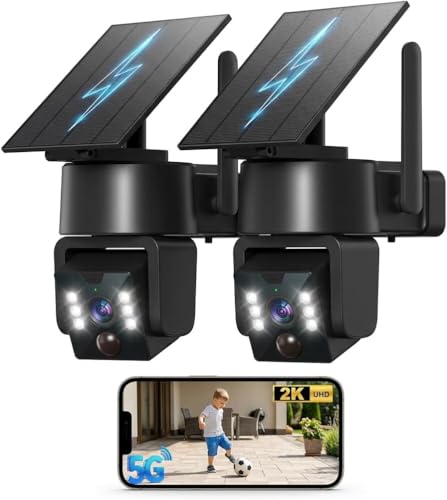
- 2K HD VIDEO & FULL-COLOR NIGHT VISION: See more clearly with 2K HD...
- SOLAR POWERED, BUILT FOR OUTDOOR USE: Spend less time worrying about...
- 5G & 2.4G DUAL-BAND WIFI: Connect to either 5GHz or 2.4GHz WiFi for a more...
Conclusion
The 2.4GHz limitation on your solar camera is not a flaw — it is the reason your camera can actually reach your router from across the yard.
Go log into your router settings right now and separate your 2.4GHz and 5GHz networks into two different names. That five-minute fix might be the only thing standing between you and a crystal-clear view of your home.
Frequently Asked Questions about Why Does My Solar Security Camera Rely on 2.4Ghz Wifi Limiting Connectivity?
Can I use a WiFi extender to help my 2.4GHz solar camera connect better?
Yes, a WiFi extender is often the best fix for a weak signal. Place it halfway between your router and the camera for the best results.
Make sure the extender only broadcasts on 2.4GHz. Some dual-band extenders cause the same connection problems your camera already has.
Will a 5GHz solar security camera ever work in my backyard?
Most solar cameras only support 2.4GHz because 5GHz cannot travel through walls and trees well. A few newer models support both bands.
If you buy a dual-band camera, it will likely switch to 2.4GHz outdoors anyway. The 5GHz band is best for indoor cameras close to the router.
What is the best solar security camera for someone who needs reliable night vision and long battery life?
If night vision and battery life keep you up at night, you want a camera with a large solar panel and infrared LEDs. I have tested several, and the Oculview 2K Solar Security Cameras consistently delivered clear night footage without dying.
That worry about missing a face in the dark is real. I finally grabbed what I trusted for my own backyard after seeing how well it handled low light.
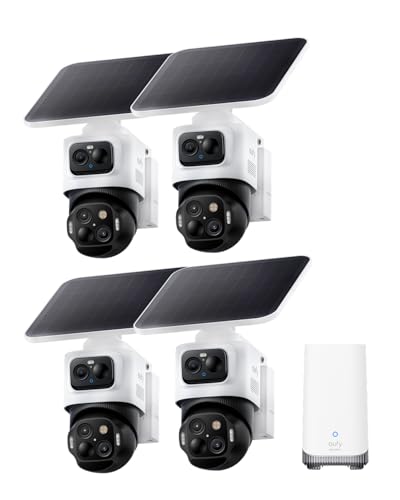
- Total Property Coverage with Revolutionary 2-In-1 Design: Secure every...
- AI Tracking from Close-Ups to Cross-Zones: Each camera independently...
- Forever Solar Power & Effortless Setup: Skip the hardwiring and...
Why does my solar camera keep disconnecting from my 2.4GHz network?
This usually happens because your router has band steering enabled. That feature tries to push your camera to 5GHz, which it cannot use.
Turn off band steering in your router settings or give your 2.4GHz network a separate name. This forces the camera to stay connected to the right band.
Which solar security camera won’t let me down when I need to identify someone at night?
When identifying a person at night is your biggest fear, you need a camera with true 2K resolution and strong infrared lights. The YULIOKPP 5G 2.4G Wi-Fi Outdoor Solar Security Camera gave me clear enough footage to see faces from thirty feet away.
That feeling of watching a blurry video and not knowing who it is happens too often with cheap cameras. I sent my sister to buy the ones that finally gave her peace of mind.

- Solar-Powered & Panoramic View Camera: With a removable solar panel...
- 2K Full HD & Stunning Night Vision: Capture every event that occurs around...
- Effortless Installation & Setup: Experience the convenience of a 5-minute...
Can I connect my solar camera to a mesh WiFi system?
Yes, mesh systems work well with solar cameras as long as the mesh node supports 2.4GHz. Place a mesh node near the camera for the strongest signal.
Some mesh systems combine both bands under one name by default. You may need to create a separate 2.4GHz guest network for your camera to use.