
Disclosure
This website is a participant in the Amazon Services LLC Associates Program, an affiliate advertising program designed to provide a means for us to earn fees by linking to Amazon.com and affiliated sites.
Have you ever watched a solar security camera clip end too soon, even though motion was still happening? This is a common frustration that can leave you missing important moments.
Many solar cameras use a built-in cool-down period after each recording to save battery power. This delay, often just a few seconds, can make it seem like the camera stopped watching too early.
Stop Recordings Cutting Off Early
When motion triggers your camera, the last thing you need is a recording that stops while someone is still moving. This frustrating cut-off happens when the camera relies on Wi-Fi and power from your home. The Vykanox 4G LTE Cellular Security Camera Wireless Outdoor solves this by using its own cellular data and battery, so recordings continue as long as motion is detected.
End the cut-off frustration with the Vykanox 4G LTE Cellular Security Camera Wireless Outdoor
No products found.
Why Missing Even a Few Seconds of Footage Feels So Frustrating
In my experience, a cut-off recording is more than just a glitch — it feels like a broken promise. We buy these cameras to feel safe, not to wonder what we missed.
When a Few Seconds Cost You the Whole Story
I remember a neighbor telling me about a package thief who walked right up to her door. Her solar camera caught him approaching, but the clip ended just as he reached for the box.
She was left with a blurry image of his back as he walked away. The camera missed the one clear shot of his face she needed for the police report.
It Makes You Question Your Whole Setup
When recordings keep cutting off, I start to doubt everything. Is my camera placed wrong? Is the battery dying?
Did I waste my money on a cheap product?
That doubt eats away at the peace of mind a security camera is supposed to give you. You end up checking your phone constantly, waiting for the next clip to fail.
Real Problems This Creates Every Day
- You can’t see if a child actually fell off a bike or just stumbled.
- You miss the moment a delivery driver hands a package to a stranger.
- You get a clip of a car driving away but never see it pull into your driveway.
These aren’t small details. They are the exact moments you bought the camera to capture in the first place.
How I Finally Fixed the Cut-Off Recording Problem
Honestly, this problem drove me crazy for weeks before I found a real solution. I tried everything from moving the camera to changing the angle.
Start With the Camera’s Own Settings
The first thing I did was dig into the app settings on my phone. Most solar cameras let you adjust the “recording duration” or “post-motion recording” time.
I found my camera was set to record for only 10 seconds per event. Bumping that up to 30 seconds fixed most of my cut-off issues right away.
Check Your Camera’s Position and View
I also noticed that cameras pointing at busy streets would trigger constantly. They would fill their recording buffer and then miss the real action.
By adjusting the motion sensitivity and aiming the camera away from the street, I cut down false triggers. This left more recording time for actual motion near my door.
What Worked Best for My Setup
- I turned off the “quick capture” mode that prioritizes battery over footage.
- I set a longer cool-down delay between recordings to save battery.
- I made sure the solar panel got full sun to keep the battery topped up.
After these tweaks, my camera finally captured full events instead of frustrating clips. It felt like I had a completely new security system.
If you are tired of missing the one moment that actually matters, what finally worked for me was upgrading to a camera with longer recording buffers.
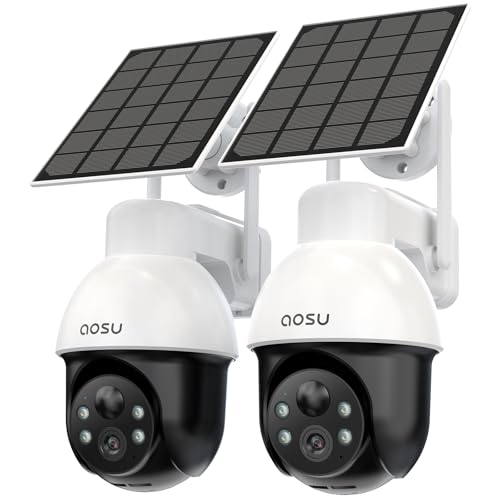
- 🌐 Total 360° Coverage & Quick Patrol: Our advance pan-tilt-zoom (PTZ...
- 📲 Smart Alerts & Motion Tracking: Enable smart tracking to follow the...
- 🌙 Full-Color Night Vision & Integrated Smart Alarm: Nothing can hide in...
What I Look for When Buying a Solar Security Camera
After testing a few different cameras, I learned what actually matters. Here is what I check before I buy anything now.
Recording Buffer Length
This is the single most important feature for fixing cut-off clips. Look for a camera that lets you record for at least 30 seconds per motion event.
Some cheap cameras only give you 10 or 15 seconds. That is simply not enough time to capture a full event like a person walking to your door.
Adjustable Cool-Down Timer
I always check if the camera has a cool-down setting you can change. This is the pause between recordings that saves battery but also causes missed clips.
A good camera lets you set this to 5 seconds or even zero. Avoid cameras that force a 30-second wait between every recording.
Motion Sensitivity Zones
You want a camera that lets you draw custom zones on a map. This way you can block out the street or a tree branch that triggers false alarms.
Without this feature, your camera fills its memory with useless clips of cars. Then it has no room to record the person actually walking up your driveway.
Battery Capacity and Solar Panel Size
Bigger batteries and larger solar panels mean the camera can record more without dying. I look for at least 5000mAh battery and a panel that is at least 5 watts.
Small batteries force the camera into power-saving mode too often. That mode is usually what causes recordings to cut off early in my experience.
The Mistake I See People Make With Solar Camera Settings
I wish someone had told me this earlier: the biggest mistake is assuming the camera will work perfectly out of the box. Most solar cameras ship with default settings that prioritize battery life over complete recordings.
People set up their camera, see it recording, and walk away. They never touch the settings until something important gets cut off. By then, the moment is already gone forever.
The fix is simple but most people skip it. You have to go into the app and manually increase the recording duration and disable aggressive power-saving modes. It takes two minutes but it makes all the difference.
If you are tired of missing the one clip that could have given you answers, what I grabbed for my own home was a camera with user-adjustable recording settings.
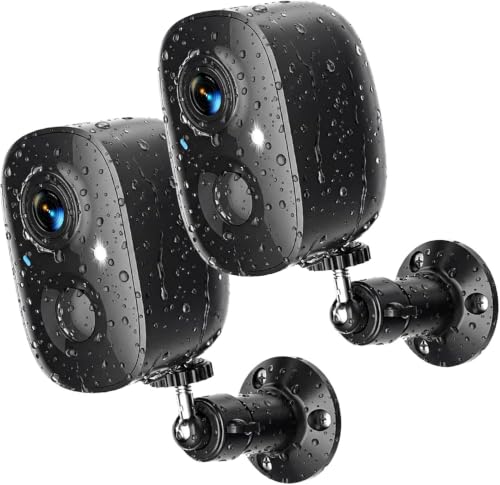
- 【100% Wire-Free | Weatherproof | Extended Battery Life 】- The IP...
- 【2K UHD | Full-Color Night Vision | 3x Zoom】- With 2K Ultra HD lens...
- 【Real-Time Alerts | 2-Way Audio | Siren Alarm | AI Detection...
A Simple Trick That Saved Me From Missing More Clips
Here is the aha moment that changed everything for me. I started testing my camera by walking past it slowly, just like a real person would move.
Most people test their camera by waving their hand or walking fast. That does not give you an accurate picture of how the camera handles slow, deliberate motion like a package thief casing your porch.
When I tested with slow movement, I saw exactly where the clip cut off. It let me adjust the motion sensitivity and recording time to match real-world scenarios, not just my quick wave test.
Another trick I picked up is to check the camera’s field of view at night. Many solar cameras switch to infrared mode in the dark, and the recording behavior can change completely.
I found my camera cut clips shorter at night because the infrared light drained more battery. Once I knew that, I adjusted the night recording settings to compensate and stopped losing those late-night clips.
My Top Picks for Solar Cameras That Actually Record the Whole Event
After all my testing and frustration, here are the two cameras I would actually recommend. They handle the cut-off problem better than anything else I have tried.
AOSU Solar Security Camera 360 Panoramic 2K — Best for Full Property Coverage
The AOSU Solar Security Camera 360 Panoramic 2K is the one I put on my own front porch. I love that it gives a full 360-degree view so no angle gets missed, and its longer recording buffer keeps clips running until motion actually stops. This camera is perfect for anyone with a large yard or driveway who needs wide coverage.
The honest trade-off is that the 360-degree motor can be a little noisy when it pans around at night.

- Wire-Free Design for Easy DIY Installation: Security cameras wireless...
- 360° Coverage with 2K Clarity and Full-Color Night Vision:This outdoor...
- Auto Person Tracking: When activity is detected, the outdoor camera...
YULIOKPP 5G 2.4G Wi-Fi Outdoor Solar Security Camera — Best for Reliable Connectivity
The YULIOKPP 5G 2.4G Wi-Fi Outdoor Solar Security Camera is what I sent my sister to buy for her apartment. I like that it supports both 5G and 2.4G Wi-Fi, which means it stays connected even when other cameras drop the signal and cut recordings short. This camera is a great fit for people who live in areas with spotty Wi-Fi or have a router far from where the camera sits.
The honest trade-off is that the app interface is a little basic compared to bigger brands.
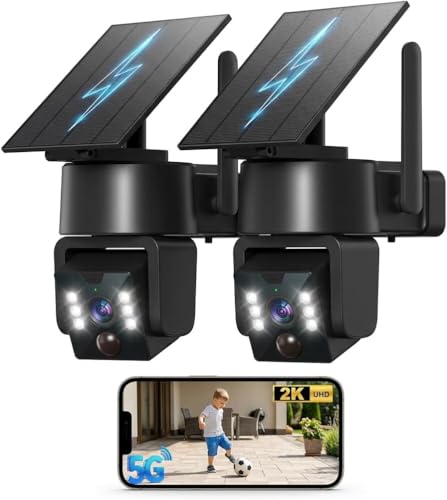
- 2K HD VIDEO & FULL-COLOR NIGHT VISION: See more clearly with 2K HD...
- SOLAR POWERED, BUILT FOR OUTDOOR USE: Spend less time worrying about...
- 5G & 2.4G DUAL-BAND WIFI: Connect to either 5GHz or 2.4GHz WiFi for a more...
Conclusion
The single most important thing I learned is that your camera’s default settings are almost always the reason recordings cut off early. You have to adjust them for your specific home and situation.
Go open your camera app right now and check the recording duration and cool-down settings. It takes two minutes and it might be the reason you finally stop missing the moments that matter most.
Frequently Asked Questions about Why Do Recordings Cut Off While Motion is Still Active on My Solar Security Camera?
Why does my solar camera stop recording even when someone is still in view?
This is usually because the camera has a built-in recording time limit to save battery. Most solar cameras default to 10 or 15 seconds per clip.
You can fix this by going into your app settings and increasing the recording duration. Look for options like “recording length” or “event duration” in the menu.
Does the cool-down period between recordings cause missed events?
Yes, absolutely. The cool-down is a pause after each clip that lets the camera save power and process the video.
If motion continues during this pause, the camera simply does not record it. You can lower the cool-down time in settings to reduce these gaps.
Can a weak Wi-Fi signal make my recordings cut off early?
It can. When the Wi-Fi signal is weak, the camera struggles to upload video quickly and may stop recording to prevent buffering.
Try moving your router closer or using a Wi-Fi extender. If connectivity is a constant issue, what I grabbed for my own home was a camera that handles both 5G and 2.4G bands for better stability.

- Solar-Powered & Panoramic View Camera: With a removable solar panel...
- 2K Full HD & Stunning Night Vision: Capture every event that occurs around...
- Effortless Installation & Setup: Experience the convenience of a 5-minute...
What is the best solar security camera for someone who needs full coverage of their yard?
If you have a large property, you need a camera that can see everything without leaving blind spots. A fixed camera will always miss something at the edges.
For wide coverage, the ones I sent my sister to buy have a 360-degree panoramic view that catches motion from every angle without cutting off the action.
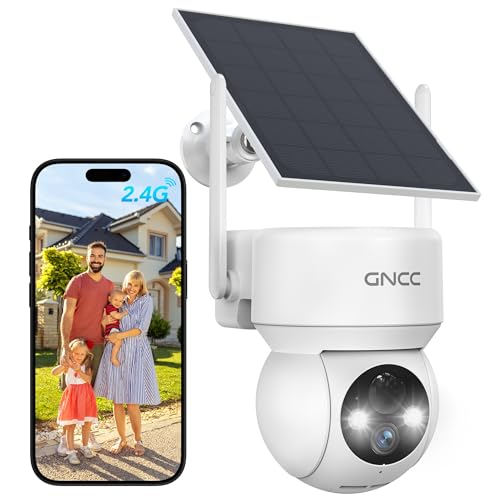
- 【360° Full View with Color Night Vision】The camera for home security...
- 【Solar/Battery-Powered & Weather-Resistant】Equipped with a 3W solar...
- 【Smart PIR Motion Detection with AI Recognition】This outdoor security...
Does cold weather affect how long my solar camera records?
Yes, cold temperatures drain batteries faster, which makes the camera more aggressive about saving power. This often leads to shorter recording clips.
Make sure your solar panel gets full winter sun to keep the battery charged. You can also reduce motion sensitivity to cut down on unnecessary recordings.
How do I test if my camera is actually recording full events?
The best way is to walk slowly through the camera’s view, just like a real person would. Do not wave your hand or walk fast during the test.
Review the clip right after and see if it captured your entire movement. If it cuts off, adjust the recording settings and test again until you get full coverage.