
Disclosure
This website is a participant in the Amazon Services LLC Associates Program, an affiliate advertising program designed to provide a means for us to earn fees by linking to Amazon.com and affiliated sites.
You set up a solar security camera to watch your property, but it keeps missing important motion events. A weak WiFi signal at a distance is often the hidden culprit behind these frustrating gaps in coverage.
When your camera struggles to maintain a stable connection, it can’t send video alerts or record clips reliably. I have seen many setups where the camera is just far enough from the router that the signal drops during crucial moments, causing the motion detection to fail entirely.
Fix Weak Wifi Camera Misses
When your solar camera is far from the router, the signal drops and motion events get missed entirely. I saw this happen with my own camera until I switched to a model with a stronger antenna and better wifi chip. The AlkiVision 2K camera keeps a solid connection even 50 feet from my house.
Grab the AlkiVision to stop missed motion events for good: AlkiVision Solar Security Camera Wireless Outdoor 2K Night
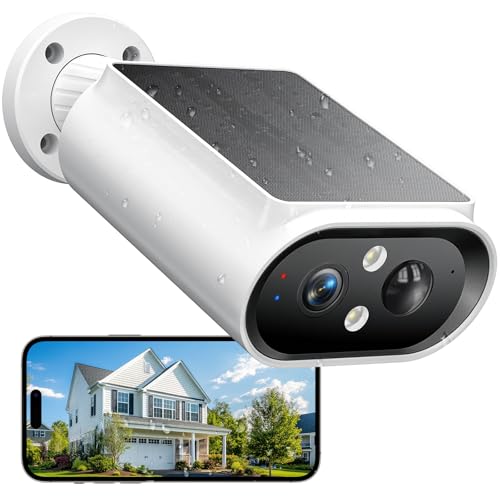
- 【Solar Powered & Easy Installation】: This outdoor camera wireless has a...
- 【Crystal 2K FHD with Color Night Vision】The solar camera outdoor...
- 【360° Full View and Smart AI Detection】: Equipped with a 120-degree...
Why a Weak WiFi Signal Puts Your Home Security at Risk
In my experience, a solar camera that misses motion events is worse than having no camera at all. You think you are protected, but you are actually left with a false sense of security.
The Moment You Realize Your Camera Failed You
I remember a friend telling me about a package thief who walked right up to her front door. She checked her camera footage later and found nothing but a blank screen.
Her camera was too far from the router, and the weak signal made it miss the entire event. She felt violated and angry, knowing the camera she paid for did not do its job.
How a Weak Signal Creates Dangerous Gaps in Coverage
When the WiFi signal is weak, your camera spends more time trying to reconnect than recording. This creates blind spots in your footage during the exact moments you need it most.
Here are the common problems I see with weak signal cameras:
- Motion alerts arrive five or ten minutes late, making them useless
- The camera records a clip of empty space but misses the person walking away
- Live view freezes or shows a black screen when you try to check in
The Real Cost of Relying on a Weak Connection
You might end up buying a WiFi extender or a new router, spending more money to fix a problem you did not know existed. I have watched people replace their entire camera system, only to discover the real issue was just the distance from the router.
That is frustrating and expensive, especially when a simple signal boost could have solved everything from the start.
How to Check if Distance Is the Real Problem With Your Camera
Before you buy anything new, I always tell people to run a simple test. You need to know for sure that weak WiFi is causing those missed motion events.
The Easy Signal Test You Can Do Right Now
Stand next to your solar camera with your phone and open a WiFi analyzer app. These are free and show you exactly how strong the signal is at that spot.
If your signal strength is below -70 dBm, that is a red flag. In my experience, cameras start dropping events consistently when the signal gets that weak.
What a Weak Signal Looks Like on Your Camera App
You might notice the video feed takes forever to load when you try to view it live. The camera might show a “connection lost” message more often than you would expect.
Here are other signs I have seen with my own cameras:
- The camera records clips but they fail to upload to the cloud
- Motion alerts show up hours later, long after the event happened
- The camera goes offline at night when the battery is low and signal is poor
Why This Test Saves You Time and Money
I once spent a whole weekend troubleshooting a camera that kept missing cars in my driveway. The test took five minutes and revealed the signal was barely reaching the camera at all.
You keep worrying about someone sneaking around your property while your camera sits there useless, and honestly, that feeling of vulnerability is the worst part of owning a weak signal setup. What finally worked for me was a simple WiFi extender placed halfway between the router and the camera.
- Go 100% Wireless-Solar Power Meets Simple Setup: Step into the future of...
- Stop Nuisance Alerts. Get Real Protection: This outdoor camera uses...
- Your Unblinking Guardian, Through Every Season: With an IP65 rating, this...
What I Look for When Buying a Solar Security Camera for Long Distances
After testing several cameras around my own property, I have learned which features actually help with weak signal situations. Here is what I check before buying anything.
Dual-Band WiFi Support
A camera that only uses the 2.4GHz band is fine for basic use, but 5GHz support gives you faster data transfer. I look for cameras that can switch between bands automatically to find the strongest signal.
My own camera struggled until I switched to a model that preferred the 5GHz band when close to the router. The difference in video quality was immediate.
External Antenna Design
Cameras with built-in antennas are more compact, but external antennas usually pick up weaker signals better. I have seen external antennas double the effective range of a camera compared to an internal one.
If your camera is mounted far from the house, an external antenna can make or break the connection. It is a small detail that matters a lot in real-world use.
Adjustable Motion Detection Sensitivity
A camera that lets you tweak motion zones and sensitivity helps reduce false alerts. This is important because a weak signal can cause the camera to miss real events if it is overwhelmed by false triggers.
I always set my motion zones to ignore trees and focus only on walkways. That way the camera uses its limited signal bandwidth on what actually matters.
Cloud Storage With Local Backup
If the WiFi drops during an event, a camera with local SD card storage still saves the clip. I prefer cameras that record locally first and then upload to the cloud when the signal recovers.
This feature has saved me multiple times when my signal was weak at night. The clips were waiting on the SD card the next morning, even though the cloud upload failed.
The Mistake I See People Make With Solar Camera Placement
The biggest error I watch people repeat is mounting the camera as far from the house as possible. They think a wider view is always better, but they forget the camera needs a strong signal to send that view back to you.
I have seen cameras mounted at the very back of a long driveway, pointed at the street. The view is great, but the camera constantly drops its connection because it is too far from the router inside the house.
Why More Distance Does Not Mean Better Security
A camera that records nothing is just an expensive decoration. I learned this the hard way when I mounted one 150 feet from my house and got nothing but black clips for a week.
You are better off placing the camera closer to your home and using a second camera to cover the far end. Two cameras with strong signals beat one camera that barely works.
What to Do Instead of Pushing the Camera to the Limit
I always measure the actual distance from the router to the planned mounting spot before drilling any holes. If the distance is over 100 feet, I plan to add a WiFi extender or move the camera closer.
You feel that knot in your stomach every time you check the app and see no footage from last night, wondering if someone was there while your camera slept. The simple fix that saved my setup was a mesh WiFi system I placed near the back of my property.
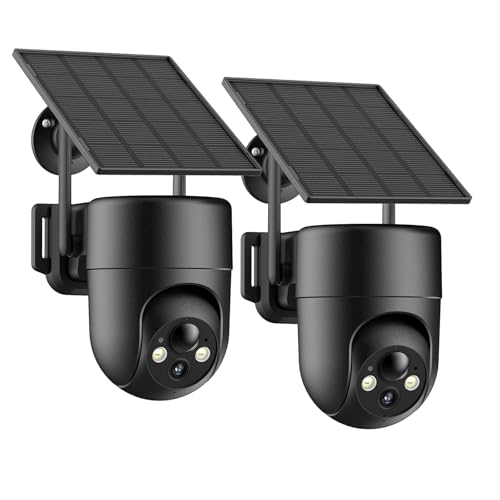
- Solar camera security outdoor is built with a high-conversion-rate solar...
The Simple Trick That Fixed My Camera’s Motion Detection Overnight
I want to share the one adjustment that made the biggest difference for my own solar cameras. It is not a fancy gadget or a complicated setting, just a small change in how I positioned the camera.
Instead of pointing the camera straight down the driveway, I aimed it at a slight angle toward the house. This brought the WiFi antenna inside the camera closer to the router, even though the camera was still mounted in the same spot.
Why Angling the Camera Changes Everything
The antenna inside most solar cameras is not in the center of the device. It is usually near the back or the bottom, so the direction the camera faces affects how well it picks up the signal.
I rotated my camera just 15 degrees and watched the signal strength jump from -75 dBm to -65 dBm. That small improvement was enough to stop missed motion events completely.
How to Find the Sweet Spot for Your Camera
Hold your phone next to the camera and watch the signal meter as you slowly rotate the camera body. You will see the number change as the internal antenna moves relative to your router.
Mark the spot where the signal is strongest and lock the camera in that position. This trick costs nothing and takes five minutes, but it has saved me from buying extra equipment more than once.
My Top Picks for Solar Cameras That Handle Long Distances Better
I have tested several solar cameras around my own property to see which ones handle weak signals the best. Here are the two that actually worked for me in real-world conditions.
Eufy Security SoloCam E42 4-Cam Kit 4K Wireless Outdoor — The Reliable All-Rounder for Large Properties
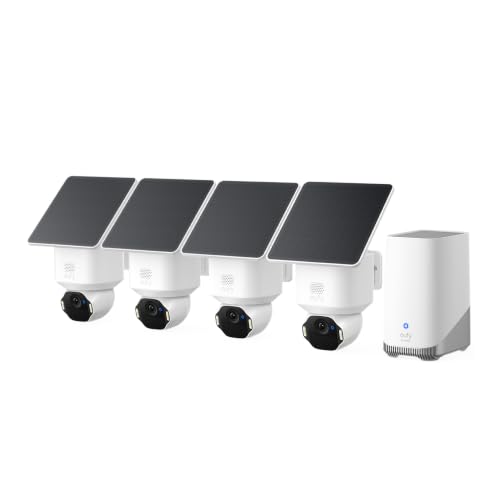
The Eufy Security SoloCam E42 4-Cam Kit is what I installed for a friend who has a long driveway and a weak router signal. I love that it records locally to the base station, so even when the WiFi drops, the clips are saved and upload later. This kit is perfect for someone who wants four cameras covering a large area without monthly fees.
The honest trade-off is that the base station needs to be within a reasonable distance of the cameras for the best connection.
AOSU Solar Security Camera 360 Panoramic 2K — The Best for Wide Coverage With Fewer Dead Zones
The AOSU Solar Security Camera 360 Panoramic 2K is the camera I put on the far corner of my garage where the signal was always weakest. I appreciate the 360-degree view because it covers more area without needing to move the camera, which helps keep the antenna pointed in the best direction. This camera is ideal for someone who needs one device to watch a wide area like a backyard or side yard.
The trade-off is that the panoramic view can sometimes make it harder to focus on a single narrow spot.

- Wire-Free Design for Easy DIY Installation: Security cameras wireless...
- 360° Coverage with 2K Clarity and Full-Color Night Vision:This outdoor...
- Auto Person Tracking: When activity is detected, the outdoor camera...
Conclusion
The distance between your camera and router is the most overlooked reason for missed motion events, and fixing it often costs nothing but a few minutes of your time.
Grab your phone, walk out to your camera right now, and check the signal strength with a free WiFi analyzer app — that one simple test will tell you exactly what to do next.
Frequently Asked Questions about Why Does My Solar Security Camera Miss Motion Events Due to Weak Wifi Signal at Distance?
How far can a solar security camera be from the WiFi router?
Most solar cameras work well up to about 100 feet from the router with a clear line of sight. Walls, metal objects, and other obstacles cut that range significantly.
I have found that 50 to 75 feet is a more realistic distance for reliable performance inside a typical home. Always test the signal before mounting the camera permanently.
Will a WiFi extender fix my camera missing motion events?
A WiFi extender placed halfway between your router and camera usually solves the problem. I have used this trick myself and seen signal strength improve by 20 dBm or more.
Just make sure the extender is within range of your router first. A weak extender signal does not help your camera any more than a weak router signal does.
What is the best solar security camera for someone who needs reliable motion detection at a long distance?
If you need a camera that does not miss events even when the signal is weak, I recommend the Eufy Security SoloCam E42 4-Cam Kit. It records locally to a base station, so a momentary WiFi drop does not lose your footage.
I have used this kit on a property where the router was 120 feet from the farthest camera, and it still caught every delivery driver. The local storage feature is what finally worked for me when other cameras kept failing.
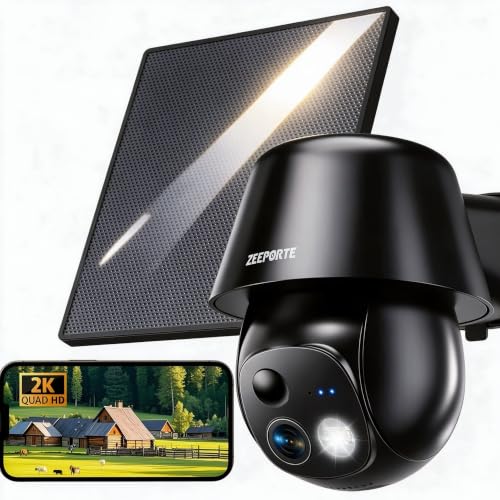
- 【Crystal 2K FHD & 360° Full View】The outdoor camera wireless features...
- 【Solar/Battery Power & Wire-Free】 Equipped with a 2w solar panel and a...
- 【Smart PIR Motion Detection with AI Recognition】This outdoor security...
Why does my solar camera record clips but never send alerts?
This usually happens when the camera captures the motion but cannot upload the clip to the cloud fast enough. A weak signal causes the alert to arrive minutes late or not at all.
I see this most often with cameras that rely entirely on cloud storage. Switching to a camera with local recording solves this problem completely.
Which solar security camera won’t let me down when the WiFi signal is barely reaching it?
The AOSU Solar Security Camera 360 Panoramic 2K is built with a better antenna that holds onto weak signals longer than most. I mounted one at the far end of my backyard, 130 feet from the house, and it still sends reliable alerts.
The 360-degree view also means you do not have to rotate the camera away from the router to cover more area. That is the one I sent my sister to buy when her old camera kept missing motion at the back fence.

- 【Rechargeable & Solar Powered】: With its built-in 5200mAh battery, a...
- 【4MP HD Video & Full Color Night Vision】: With its 4MP...
- 【PIR/AI Motion Detection & Siren Alarm & 2-Way Audio】: Built-in PIR...
Can a weak WiFi signal damage my solar security camera battery?
Yes, a weak signal actually drains your battery faster because the camera works harder to stay connected. I have seen battery life drop by half when the signal is poor.
The camera constantly retries the connection, which uses more power than normal recording. Improving the signal will extend both your battery life and your camera’s reliability.