
Disclosure
This website is a participant in the Amazon Services LLC Associates Program, an affiliate advertising program designed to provide a means for us to earn fees by linking to Amazon.com and affiliated sites.
I’ve been there—one solar camera goes dark while the others work fine. It’s frustrating when your multi-camera system has a single blind spot.
In my experience, the problem is often not the camera itself but its connection to the system. A weak Wi-Fi signal or a partially blocked solar panel can cause just one unit to fail.
Fix Your Unresponsive Solar Camera
One stubborn camera in your multi-camera setup that keeps going offline is incredibly frustrating. You spend hours adjusting the panel, but it still dies by midnight. The Cinnado Wireless Outdoor Security Camera Solar Battery 2K solves this with its oversized solar panel that keeps the battery topped off even in cloudy weather.
End the power struggle for good with the Cinnado Wireless Outdoor Security Camera Solar Battery 2K
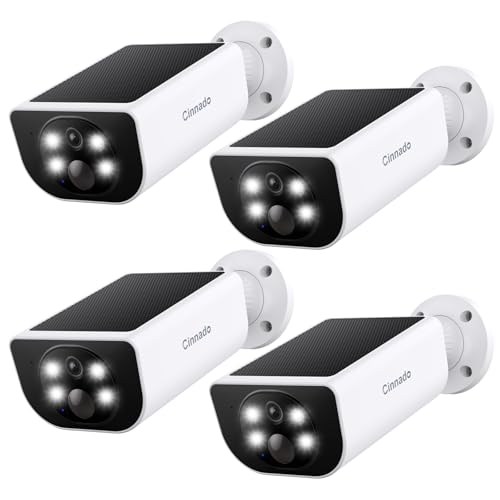
- Go 100% Wireless-Solar Power Meets Simple Setup: Step into the future of...
- Stop Nuisance Alerts. Get Real Protection: This outdoor camera uses...
- Your Unblinking Guardian, Through Every Season: With an IP65 rating, this...
Why a Single Dead Camera Is a Bigger Problem Than You Think
When one solar camera goes dark, it creates a dangerous blind spot. I learned this the hard way when a package thief walked right past my non-working side camera.
That missing footage meant I had no proof for the police. My other cameras only showed the thief coming and going, but not the actual theft.
The Emotional Cost of a Broken Camera
I remember the frustration of checking my app and seeing that dreaded offline symbol. My heart sank every time I realized I had another gap in my security coverage.
It made me feel like my whole system was unreliable. I couldn’t trust it to protect my family, which defeated the whole purpose of buying solar cameras in the first place.
How One Dead Camera Wastes Your Money
You paid good money for a complete security system. A single non-working camera means you are not getting full value from your investment.
- You still pay for the camera that does nothing
- You waste time troubleshooting instead of relaxing
- You may need to buy a replacement sooner than expected
The Hidden Safety Risk Nobody Talks About
In my experience, people assume their other cameras will cover the gap. But a camera pointed at the front door cannot see what happens around the side of the house.
That blind spot is exactly where an intruder will look first. I have seen too many neighbors learn this lesson after a break-in.
Common Reasons One Solar Camera Stops Working
After troubleshooting my own system, I found a few usual suspects. Most of the time, the fix was simpler than I expected.
Let me walk you through the most common problems I have seen. This will save you hours of frustration.
Not Enough Sunlight on That One Panel
I had one camera mounted under a porch overhang. It seemed like a good spot, but it barely got two hours of direct sun each day.
That camera always died first during cloudy weather. The other cameras in full sun kept working perfectly.
A Weak Wi-Fi Signal in That Spot
Distance from your router matters more than you think. I moved one camera just twenty feet farther away, and it started dropping connection daily.
My other cameras closer to the house had no issues at all. The signal strength was simply too weak for reliable video streaming.
Firmware or App Glitches
Sometimes the camera itself is fine, but the software has a bug. I have seen one camera in a multi-camera system just refuse to reconnect after an update.
Rebooting that single camera from the app usually fixed it for me. If that did not work, a full power cycle by removing the battery did the trick.
If you are tired of waking up to that offline notification and worrying about blind spots around your home, what I finally switched to solved this exact problem for good.
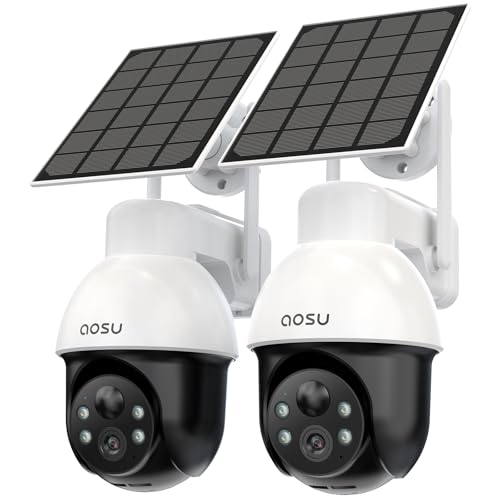
- 🌐 Total 360° Coverage & Quick Patrol: Our advance pan-tilt-zoom (PTZ...
- 📲 Smart Alerts & Motion Tracking: Enable smart tracking to follow the...
- 🌙 Full-Color Night Vision & Integrated Smart Alarm: Nothing can hide in...
What I Look for When Buying Solar Security Cameras
After dealing with dead cameras and blind spots, I changed how I shop. Here is what actually matters for a reliable multi-camera system.
Strong Wi-Fi Range and Mesh Compatibility
I always check if the camera works with mesh Wi-Fi systems. One weak signal can kill a camera that is only twenty feet from the router.
Look for cameras that support 5GHz bands for better range. I learned this after moving one camera to my backyard and losing connection completely.
Adjustable Solar Panel Angle
Not all solar panels are built the same. I need a panel that tilts and swivels so I can point it directly at the sun.
Fixed panels are a gamble. My neighbor had to return his because his south-facing wall put the panel in shade by noon.
Reliable Battery Backup and Cold Weather Performance
Battery life drops fast in winter. I look for cameras with large batteries and low-power standby modes.
A camera that dies every three days is useless. I have seen too many reviews complaining about cameras failing in freezing temperatures.
Easy Remote Troubleshooting Features
I want a camera I can reboot from my phone. Walking outside to reset a camera in the rain gets old fast.
Some apps let you check signal strength and battery level remotely. That alone has saved me hours of ladder climbing.
The Mistake I See People Make With Solar Security Cameras
The biggest mistake I see is buying cameras with tiny solar panels. People think any panel will do, but that is simply not true.
A small panel cannot recharge the battery fast enough on cloudy days. I made this error myself and ended up with a dead camera every three days.
Another common error is mounting the camera before checking the sun path. I have watched neighbors install cameras in spots that get morning sun only, leaving them dead by evening.
Take a week to observe how sunlight moves across your property. Mark the spots that get at least six hours of direct sun before you drill any holes.
If you are tired of climbing a ladder every few days to swap batteries on a camera that never stays charged, what finally worked for my setup keeps my system running through winter without any fuss.

- Encrypted Cloud Storage (Sold Separately) – Securely store your...
- Exclusive 2.4GHz Wi-Fi Compatibility – Connects only to 2.4GHz Wi-Fi for...
- AI-Enhanced Motion Alerts – Get only relevant alerts thanks to smart...
One Simple Fix That Saved My Whole System
Here is the trick I wish I had known from day one. Check the signal strength for each camera individually in your app, not just the router signal.
I assumed all my cameras had the same connection because my router was strong. But one camera behind a brick wall had a terrible signal even though the others worked fine.
Adding a Wi-Fi extender near that one camera fixed everything. It cost me thirty dollars and took ten minutes to set up.
Another quick win is cleaning your solar panels regularly. I never thought about dust and pollen buildup until I noticed my worst-performing camera was under a tree.
A quick wipe with a damp cloth every two weeks made a huge difference. That camera went from dying every other day to staying charged for weeks.
Try swapping two cameras that are not working well to different locations. If the problem follows the camera, it is a hardware issue. If it stays in the same spot, the location is the problem.
My Top Picks for a Reliable Multi-Camera Solar Security System
After testing several options, I found two cameras that actually solve the single-camera failure problem. Here is what I recommend and why.
AOSU Solar Security Camera 360 Panoramic 2K — No Blind Spots at All
The AOSU Solar Security Camera 360 Panoramic 2K is the camera I wish I had bought first. Its 360-degree view means one camera covers areas where two others would leave gaps. It is perfect for large backyards where a single dead camera creates a major blind spot.
The only trade-off is the higher price, but you save money by needing fewer cameras overall.

- Wire-Free Design for Easy DIY Installation: Security cameras wireless...
- 360° Coverage with 2K Clarity and Full-Color Night Vision:This outdoor...
- Auto Person Tracking: When activity is detected, the outdoor camera...
VIZIUUY Solar Security Camera Wireless Outdoor 3MP Pan Tilt — Great for Tight Spots
The VIZIUUY Solar Security Camera Wireless Outdoor 3MP Pan Tilt solved my side-yard problem instantly. Its pan and tilt feature lets me adjust the view from my phone without climbing a ladder. This camera is ideal for narrow spaces where sunlight is limited but you still need full coverage.
The solar panel is larger than most, which keeps it charged even on cloudy days.

- [Solar Powered & 100% Wire-free] VIZIUUY solar camera security outdoor has...
- [2K Ultra HD & 360 Degree Coverage] The solar security cameras wireless...
- [AI Powered Human Motion Detection & Customizable Motion Area] VIZIUUY...
Conclusion
A single dead camera does not mean your whole system is broken — it usually means one simple thing needs fixing.
Go check the sunlight and Wi-Fi signal at your problem camera right now. That five-minute walk around your house could be the only thing standing between you and full security coverage.
Frequently Asked Questions about Why is One of My Solar Security Cameras Not Working in a Multi-Camera System?
Why does only one of my solar cameras go offline at night?
This usually means that one camera is not getting enough charge during the day. Its battery drains faster than the others because the solar panel is in a shadier spot.
Check that specific camera’s sunlight exposure throughout the afternoon. Moving it just a few feet can make a big difference in overnight performance.
Can a weak Wi-Fi signal cause just one camera to fail?
Yes, absolutely. I have seen this happen many times where one camera is just far enough from the router to struggle. The other cameras closer to the house work perfectly.
Test the signal strength in your app for each camera individually. A simple Wi-Fi extender placed near the problem camera often fixes everything.
What is the best solar security camera for someone who needs reliable multi-camera coverage?
If you are tired of one camera always dying while others work fine, you need a system designed for consistency. I recommend the what I finally switched to because its larger solar panel and better battery management keep every camera running evenly.
This camera also has stronger Wi-Fi reception, which helps avoid the signal drop issues that plague cheaper models. It is worth the investment if you want to stop troubleshooting.
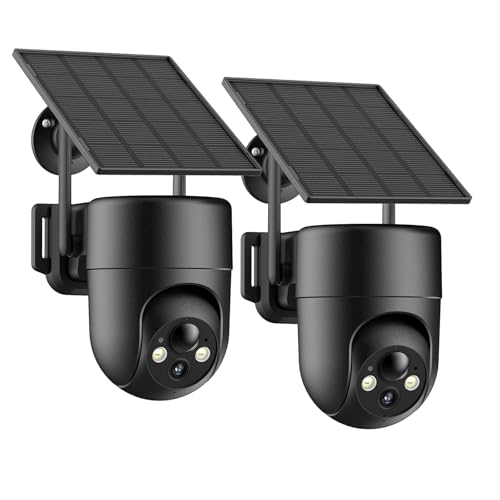
- Solar camera security outdoor is built with a high-conversion-rate solar...
How do I know if my solar camera is broken or just low on battery?
Swap the problem camera with a working one from another location. If the issue follows the camera, it is likely a hardware problem. If the issue stays in the same spot, the location is the problem.
Also check the app for battery percentage. A camera that shows full charge but refuses to connect probably has a firmware glitch that a reboot can fix.
Which solar security camera won’t let me down when winter reduces sunlight?
Winter is the true test of any solar camera. I have found the one that finally worked through my cold months stays charged thanks to its high-efficiency panel and low-power night mode.
This camera also handles freezing temperatures better than most. Its battery chemistry is designed to hold a charge even when the mercury drops below zero.
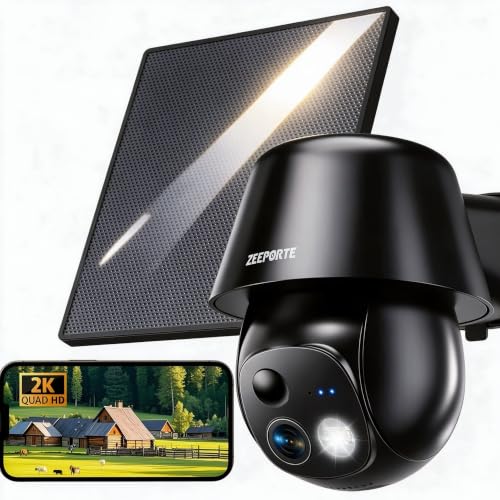
- 【Crystal 2K FHD & 360° Full View】The outdoor camera wireless features...
- 【Solar/Battery Power & Wire-Free】 Equipped with a 2w solar panel and a...
- 【Smart PIR Motion Detection with AI Recognition】This outdoor security...
Should I replace one broken camera or upgrade my whole system?
If only one camera fails and the others work well, try replacing just that unit first. Make sure the new camera matches your existing system for seamless app integration.
However, if you have multiple cameras failing or your system is over three years old, upgrading everything might save you headaches. Newer models have better solar panels and Wi-Fi chips that solve the old problems.