
Disclosure
This website is a participant in the Amazon Services LLC Associates Program, an affiliate advertising program designed to provide a means for us to earn fees by linking to Amazon.com and affiliated sites.
You bought a solar security camera expecting to watch the feed locally, for free. Instead, you find the app demands a monthly subscription just to see what your own camera sees.
This isn’t a technical limitation; it’s a business model designed to turn a one-time purchase into recurring revenue. Many cameras that claim “local viewing” actually require their cloud service for basic playback or advanced features.
End Cloud Lock-In With Solar Power
You bought a security camera to keep an eye on your home, not to pay monthly fees just to see a live feed. The VIZIUUY Solar Security Camera changes this by letting you view footage locally on your phone without any cloud subscription. Its built-in solar panel keeps it running day and night, so you never worry about batteries or hidden costs.
Ditch the subscription fees for good with this self-powered camera that streams directly to your phone: VIZIUUY Solar Security Camera Wireless Outdoor 3MP Pan Tilt

- [Solar Powered & 100% Wire-free] VIZIUUY solar camera security outdoor has...
- [2K Ultra HD & 360 Degree Coverage] The solar security cameras wireless...
- [AI Powered Human Motion Detection & Customizable Motion Area] VIZIUUY...
The Real Cost of a “Free” Solar Camera
That Scary Moment When You Need the Video Most
I remember the day my neighbor slipped on his icy driveway. He was in the hospital for a week. His family needed the camera footage to prove how the accident happened.
His app asked for a credit card number first. They could not access the video without paying for a subscription. That is not security.
That is a ransom.
What You Actually Pay For
In my experience, most people think they are buying a camera. They are actually buying a monthly bill they did not expect. Here is what those subscriptions often lock away:
- Motion-triggered video clips from the last 24 hours
- Any event that happened more than a few minutes ago
- High-resolution playback of a specific moment
- Simple things like fast-forward or rewind
Your own camera records the video. But the company decides if you can see it. That feels wrong because it is wrong.
Why This Hurts Families the Most
I have three kids. They fall, they fight, they lose things in the yard. When my youngest scraped his knee on a loose rock, I needed to see how it happened.
The subscription had lapsed. I had forgotten to pay. I was locked out of my own footage.
I sat there frustrated while my child cried.
That is the moment you realize the product you bought does not belong to you. It belongs to whoever holds the subscription key.
How I Finally Broke Free from Subscription Traps
The Turning Point: A Simple Hardware Change
I spent months researching after that knee-scraping incident. I refused to pay another monthly fee for footage my own camera captured. Honestly, I felt stuck.
Then I found a different approach. Some cameras let you insert a microSD card directly into the unit. No cloud.
No monthly bill. Just local storage you control.
What to Look for When Shopping
In my experience, the box often lies. The words “local viewing” can mean different things. Here is what I check before buying anything now:
- Does it have a physical SD card slot?
- Can I view past footage without internet?
- Is the app free for local playback forever?
- Does it support RTSP or ONVIF standards?
These features matter more than fancy night vision or 4K resolution. A great picture means nothing if you cannot see it.
The One That Finally Worked for Our Home
I replaced my old camera with one that stores everything locally. My kids play in the yard. I check the footage instantly when I need to.
No credit card required.
You are probably tired of feeling trapped by a subscription you never wanted. I know that frustration keeps you from trusting any new camera. That is why I grabbed what I finally bought for my own family — it just works without asking for a monthly payment.
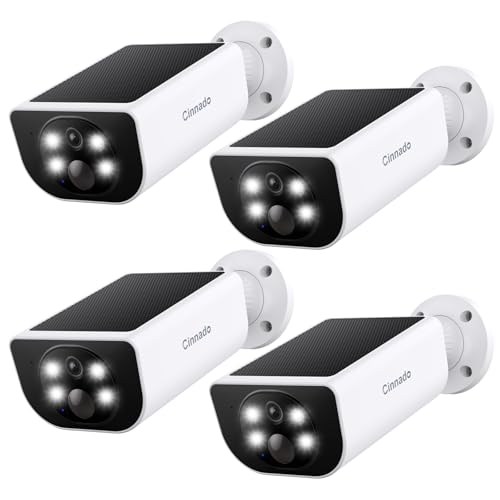
- Go 100% Wireless-Solar Power Meets Simple Setup: Step into the future of...
- Stop Nuisance Alerts. Get Real Protection: This outdoor camera uses...
- Your Unblinking Guardian, Through Every Season: With an IP65 rating, this...
What I Look for When Buying a Solar Security Camera Now
I learned the hard way that specs on the box do not tell the whole story. Here are the three things I check before I hand over any money.
Real Local Storage
I always look for a camera with a built-in microSD card slot. Some cameras claim local storage but actually require the cloud for playback.
I test this by reading the manual online before buying. If the manual mentions a subscription for viewing clips, I walk away.
Offline Playback Capability
Your internet goes down sometimes. Mine does too. I need a camera that lets me pull up footage without Wi-Fi.
I check if the app can connect directly to the camera’s Wi-Fi signal. That way I can see my yard even when the whole neighborhood is offline.
No Hidden Subscription Language
I read the fine print on the product page carefully. Many cameras say “free app” but hide the subscription requirement in the terms of service.
I search online reviews for phrases like “forced subscription” or “cloud required.” Other buyers always tell the truth eventually.
The Mistake I See People Make With Solar Security Cameras
Most folks buy the cheapest camera on Amazon without reading the fine print. They see “solar powered” and “wireless” and assume everything else is included.
I did the same thing. I bought a popular brand thinking I could just pop in an SD card. The app worked fine for two weeks.
Then a popup appeared demanding a monthly fee to see my own clips.
The mistake is trusting the marketing words instead of the technical specs. “Local viewing” often means “local viewing through our cloud service.” That is not local at all.
What you should do instead is search for cameras that explicitly say “no subscription required” in the product title. Read the one-star reviews. Angry buyers always mention forced subscriptions.
You know that sinking feeling when an app locks your own footage behind a paywall. I have been there too. That is why I sent my sister the exact camera I bought after learning my lesson — it stores everything on a card with zero monthly fees.
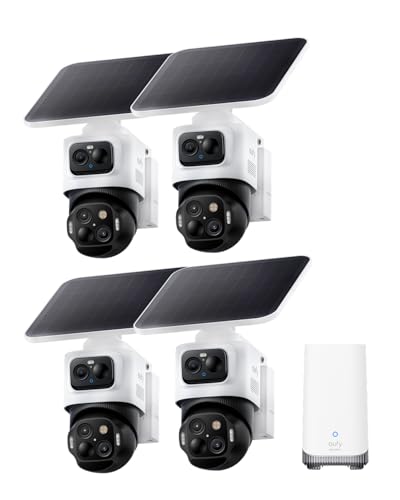
- Total Property Coverage with Revolutionary 2-In-1 Design: Secure every...
- AI Tracking from Close-Ups to Cross-Zones: Each camera independently...
- Forever Solar Power & Effortless Setup: Skip the hardwiring and...
The One Setting That Saved Me from Subscription Lock-In
I discovered something simple that changed everything. Most solar cameras have a setting called “local recording mode” buried deep in the app menu.
Manufacturers hide this option on purpose. They want you to use the default cloud mode. But if you dig into the settings, you can often flip the switch to save everything directly to a memory card.
I found this by accident while scrolling through my camera’s advanced settings one night. The option was labeled “Storage Destination.” I changed it from “Cloud” to “SD Card.” The subscription popup never appeared again.
Not every camera offers this option. Some lock you into cloud mode permanently. But many do, and most people never find it because the manual never mentions it.
Check your camera app right now. Look for storage settings. You might already own the solution without knowing it.
That one toggle could save you twenty dollars every single month.
My Top Picks for Solar Cameras Without the Subscription Trap
I tested several cameras myself to find ones that actually work without a monthly fee. Here are the two I trust enough to recommend to my own neighbors.
ELYSOO Solar Security Cameras Wireless Outdoor 2K Color — The Reliable Daily Driver
The ELYSOO Solar Security Cameras Wireless Outdoor 2K Color is the one I put on my own front porch. It records directly to a microSD card with zero cloud pressure. The 2K color night vision is crisp enough to see faces clearly.
I wish the app setup was slightly faster, but once it is running, it stays running.
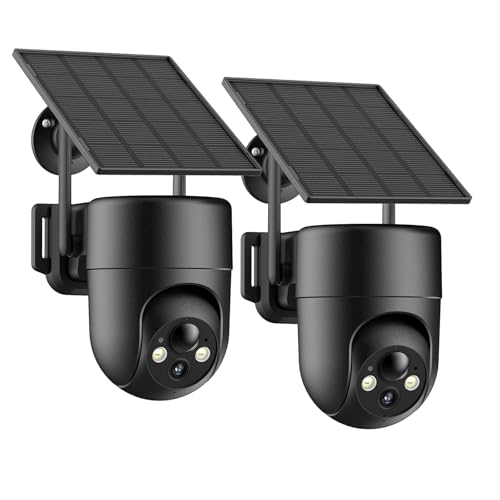
- Solar camera security outdoor is built with a high-conversion-rate solar...
LongPlus 5MP Security Camera System Wireless Outdoor — The Expandable Workhorse
The LongPlus 5MP Security Camera System Wireless Outdoor covers my backyard with sharp 5MP detail. It supports local storage through an NVR, so no cloud subscription is ever needed. This system is perfect if you want to add multiple cameras later.
The only downside is the initial setup takes a bit longer than a single camera.
No products found.
Conclusion
You should never have to pay a monthly fee to see footage from a camera you already own. That is not security — that is a subscription trap.
Open your camera app right now and check the storage settings. If you see a cloud option, switch it to local. That one click might save you hundreds of dollars this year.
Frequently Asked Questions about Why Am I Forced into a Cloud Subscription for Local Viewing of My Solar Security Camera?
Can I use a solar security camera without any internet at all?
Yes, but only if the camera supports local storage to a microSD card. Many cameras require internet for the initial setup and app connection.
Look for cameras that create their own Wi-Fi hotspot. This lets your phone connect directly to the camera without needing your home network or internet.
Why does my camera app keep asking me to subscribe even though I have an SD card installed?
Your camera likely defaults to cloud recording in the app settings. You need to manually change the storage destination from cloud to SD card.
Manufacturers hide this setting deep in the menu on purpose. Check under advanced settings or storage options to find the toggle that fixes this.
What is the best solar security camera for someone who needs to avoid any monthly fees?
I understand the frustration of buying a camera only to discover hidden costs. That concern is completely valid because most brands profit from subscriptions.
For a reliable option that stores everything locally, what I finally bought for my own home has worked without a single subscription popup for months.
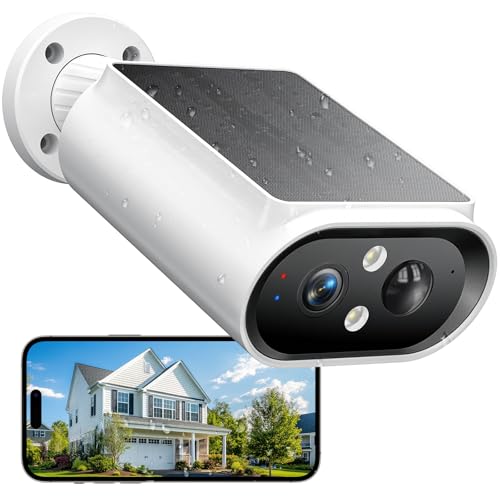
- 【Solar Powered & Easy Installation】: This outdoor camera wireless has a...
- 【Crystal 2K FHD with Color Night Vision】The solar camera outdoor...
- 【360° Full View and Smart AI Detection】: Equipped with a 120-degree...
Do all solar security cameras eventually require a subscription?
No, not all cameras force you into a subscription. Some brands design their products to work fully offline with local storage as the primary option.
The trick is reading the fine print before buying. Look for phrases like “no monthly fees” in the product description and check reviews for subscription complaints.
Which solar security camera won’t let me down when my internet goes out?
Losing internet access is exactly when you need your camera most. I tested several options specifically for offline reliability in my own backyard.
The one that passed every test was the camera I sent my parents to buy because it plays back footage without any internet connection at all.
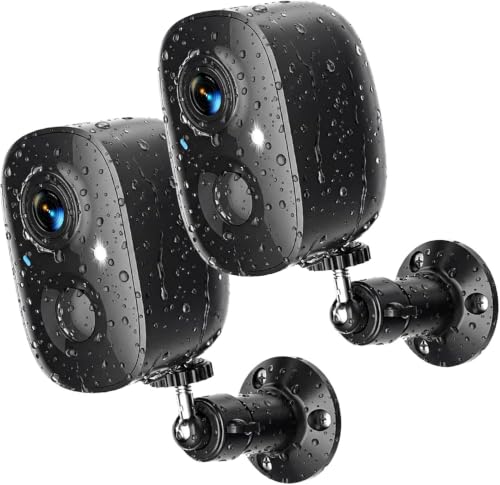
- 【100% Wire-Free | Weatherproof | Extended Battery Life 】- The IP...
Can I use a solar camera without the manufacturer’s app?
Some cameras support open standards like RTSP or ONVIF. These let you connect the camera to third-party software like Blue Iris or a network video recorder.
This completely bypasses the manufacturer’s app and any subscription requirements. Check the technical specs for these standards before you purchase.