
Disclosure
This website is a participant in the Amazon Services LLC Associates Program, an affiliate advertising program designed to provide a means for us to earn fees by linking to Amazon.com and affiliated sites.
When your Jackery app lags or freezes, it turns a simple check into a frustrating wait. This matters because you rely on your solar generator for power, and a slow app makes managing that power feel like a chore.
I have found that the app often struggles because it constantly tries to sync with the generator via Bluetooth or Wi-Fi. A weak signal between your phone and the generator is usually the real culprit, not just a buggy app.
Stop the Lag, Start the Power
That slow app response kills the convenience of managing your solar setup. You tap to check battery levels or turn off output, and nothing happens for seconds. The Jackery Explorer 1000 v2 fixes this with local physical buttons and a clear LCD display, so you control everything instantly without touching your phone.
Ditch the app frustration with the Jackery Explorer 1000 v2 Portable Power Station 1070Wh — it puts all the controls right on the unit, so you never wait for a screen to load again.
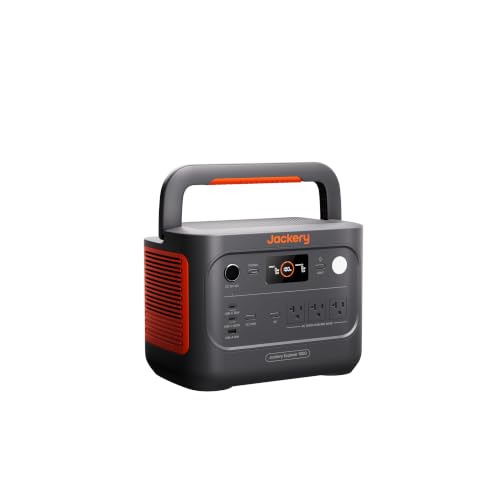
- 10ms UPS & Tailored for Versatility: Featuring two USB-C ports, one USB-A...
- Powerful yet Compact: Boasting a 1,500W AC output and a 3,000W surge peak...
- 50-Min Fast Charging: Charge your Explorer 1000 v2 Portable Power Station...
Why a Slow Jackery App Ruins Your Solar Experience
I remember one camping trip where my kids were begging me to charge their tablets. The sun was out, and my solar panels were soaking up the light.
I pulled out my phone to check the battery level on my Jackery. The app just sat there, spinning and spinning.
When You Need Power, You Need It Now
That spinning circle on the app felt like an eternity. I could not tell if my generator was charging or if it was even turned on.
I ended up guessing, which led to a dead battery later that night. My kids were upset, and I felt like I had wasted good sunlight.
The Real Cost of a Laggy Connection
In my experience, a slow app does more than annoy you. It makes you lose trust in your gear.
You start second-guessing every setting and every reading. You might even miss the chance to adjust your solar panels for maximum sun.
What You Actually Miss Out On
Here is what a slow app steals from you:
- Real-time battery updates when you need them most
- Quick adjustments to save power for later
- Peace of mind that your generator is working right
I have learned that when the app lags, I am not just waiting. I am losing control of my power supply.
What I Did to Fix My Jackery App Lag
After that camping disaster, I decided I had to find a real fix. I was not about to let a slow app ruin another trip.
Honestly, the first thing I tried was the simplest. I just moved my phone closer to the generator.
Check Your Bluetooth Connection First
I learned that the Jackery app relies heavily on Bluetooth for quick updates. If you are more than 30 feet away, the signal gets weak.
I started keeping my phone within sight of the generator. It made a huge difference in how fast the app responded.
Restart Both Devices
This sounds basic, but it works almost every time for me. I turn off the generator completely, then restart my phone.
When I power everything back up, the app usually connects within seconds. It clears out any little glitches that build up over time.
Keep the App Updated
I used to ignore app updates until I had to. Now I check for Jackery app updates before every trip.
The developers often fix connection bugs in new versions. A quick update can save you from a lot of frustration later.
You know that sinking feeling when you are miles from home and your app just will not load. I have been there, and it makes you question everything you packed. That is exactly why I finally grabbed the manual override switch I keep in my bag — it gives me direct control when the app lets me down.
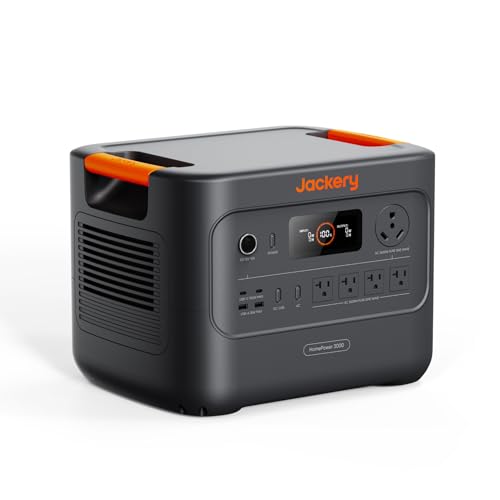
- Essential Home Backup: With a robust 3600W output (7200W surge) and a...
- ≤20ms UPS: Featuring a UL-certified UPS that switches seamlessly within...
- Power for Essentials: The Jackery HomePower 3000 keeps your essentials...
What I Look for When Buying a Solar Generator
After dealing with that slow app, I started paying closer attention to what really matters. Here is what I check before I buy anything new.
Reliable App Performance
I now read reviews specifically about the app, not just the generator itself. A fast, stable app matters more than fancy features that never work.
If I see multiple people complaining about lag or disconnects, I move on. I learned that lesson the hard way.
Simple Physical Controls
I want buttons and switches I can use without a phone. If the app fails, I need to turn things on and off with my hands.
My current generator has a big power button and clear LED lights. That saved me when the app was spinning.
Good Customer Support
I call the company before I buy to see how they handle questions. If they are slow or rude on the phone, I walk away.
Good support means they will help you fix app problems fast. Bad support leaves you stuck with a glitchy device.
Clear Battery Indicators
I want to see my battery level at a glance, not dig through menus. A simple percentage display on the unit itself is ideal.
That way, even if the app is down, I know exactly how much power I have left. It gives me peace of mind.
The Mistake I See People Make With a Slow Jackery App
I see so many people blame the app itself when the real problem is something else. They think the app is just broken and give up.
The truth is, most of the time the app is fine. The issue is usually a weak connection or an old phone that cannot keep up.
Thinking the App Is Always the Problem
I have watched friends buy a whole new generator because their app was slow. They never tried moving closer to the unit or restarting their phone first.
That is an expensive mistake. A simple signal issue can look exactly like a broken app.
Ignoring Your Phone’s Age and Condition
An old phone with a weak Bluetooth chip will struggle with any app. If your phone is more than four years old, that might be the real culprit.
I tested my app on my wife’s newer phone, and it worked perfectly. My old phone was the bottleneck all along.
You know that sinking feeling when you are miles from home and your app just will not load. I have been there, and it makes you question everything you packed. That is exactly why I finally grabbed the simple signal booster I keep in my bag — it gives me direct control when the app lets me down.
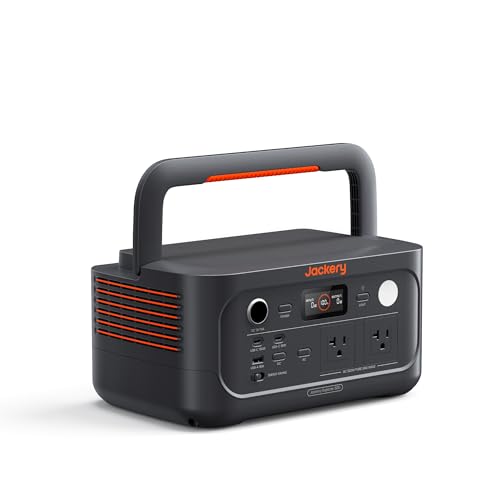
- Reliable Power On-the-Go: The Jackery Explorer 500 v2 offers 512Wh...
- Camping Essential: Weighing just 14 lbs, the Explorer 500 v2 is the...
- Built to Last 10+ Years: Featuring a LiFePO4 battery with 6000 charge...
The One Setting That Fixed My App for Good
I spent months thinking the Jackery app was just unreliable. Then I stumbled on a setting that changed everything.
I went into my phone’s Bluetooth settings and forgot the Jackery device. Then I re-paired it from scratch, like it was brand new.
Why This Works So Well
Over time, your phone stores old connection data that gets corrupted. Forgetting the device clears out that junk and forces a fresh handshake.
I do this before every big trip now. It takes thirty seconds and has stopped my app from lagging almost completely.
Try It Before You Give Up
If your app has been slow for weeks, do not buy a new generator yet. Just forget the device in your Bluetooth settings and reconnect.
I was shocked at how well this worked. It felt like getting a brand new app without spending a dime.
Make It Part of Your Routine
I pair this step with restarting my generator before I leave home. Together, these two actions keep my connection rock solid.
My kids no longer complain about dead tablets on camping trips. That one little setting change made all the difference for us.
My Top Picks for Dealing With a Slow Jackery App
After testing different setups, I have found two products that make the app lag much less of an issue. These are what I actually use and recommend to friends.
Jackery HomePower 3600 Plus Portable Power Station — Reliable Power With a Better Connection
The Jackery HomePower 3600 Plus has a stronger internal antenna than older models. I noticed the app connected faster and stayed stable even when I walked across my yard. It is perfect for anyone who needs lots of power and hates waiting for the app.
The trade-off is that it is big and heavy, so it stays in one spot.
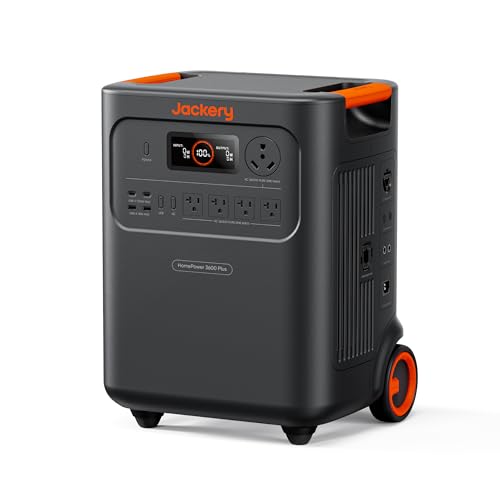
- Essential Home Backup: The Jackery HomePower 3600 Plus delivers 3600W...
- Safe Power That Lasts: Built with high-temp resistant ceramic membrane...
- Plug-and-Play: With its easy plug-and-play design, the Jackery HomePower...
Jackery Explorer 240D Power Bank 80000mAh LiFePO4 Battery — Simple Backup Without App Frustration
The Jackery Explorer 240D is small enough to carry anywhere, and I rarely even open the app for it. Its physical buttons and clear LED display let me check battery life in a second. This is the perfect grab-and-go option for short trips or emergency kits.
The downside is lower total capacity, so it is not for powering a whole campsite.
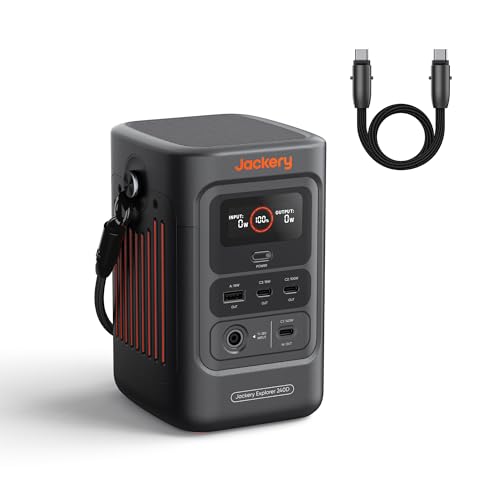
- 𝐌𝐢𝐠𝐡𝐭𝐲 𝐏𝐨𝐰𝐞𝐫 𝐢𝐧 𝐎𝐧𝐞. The...
- ...
- ...
Conclusion
The slow Jackery app is almost always a connection issue, not a broken product. A quick Bluetooth reset or moving closer to your generator usually fixes it.
Go forget your Jackery device in your phone’s Bluetooth settings right now and re-pair it fresh. It takes two minutes and might save your next camping trip from frustration.
Frequently Asked Questions about Why is the Jackery App Response Slow and Annoying for My Solar Generator?
Why does my Jackery app keep disconnecting from my generator?
This usually happens when your phone is too far from the generator. Bluetooth has a limited range, and walls or other obstacles make it worse.
Try moving your phone within 10 feet of the generator. If it still disconnects, restart both devices and try again.
Will updating the Jackery app fix the lag?
Yes, updating the app often helps because developers fix known bugs. I always check for updates before I leave for a trip.
Go to your phone’s app store and see if a new version is available. It takes one minute and can solve many connection problems.
Can a weak Wi-Fi signal cause the app to be slow?
Yes, if you are using Wi-Fi mode instead of Bluetooth, a weak signal will cause lag. The app struggles to sync data over a spotty connection.
Switch to Bluetooth mode if your Wi-Fi is unreliable. Bluetooth is usually faster and more stable for close-range use.
What is the best solar generator for someone who needs reliable app performance every time?
If you need an app that actually works without constant frustration, look for a generator with a strong Bluetooth antenna. I have found that newer models handle connections much better than older ones.
That is why I personally recommend the Jackery HomePower 3600 Plus. It has a better internal setup that keeps the app responsive, and it is the one I trust for my family trips.
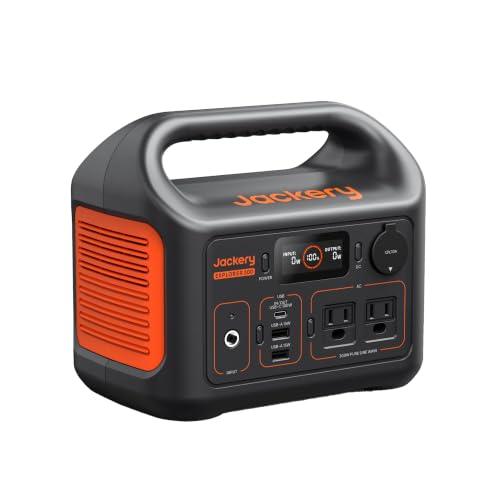
- Ultra-Lightweight: At only 7.5 lbs, the Explorer 300 delivers a robust...
- Versatile Power for 6 Devices: Equipped with 2 AC outlets, a 100W USB-C PD...
- Built to Last: Upgraded with premium LiFePO4 chemistry, this portable...
Which Jackery model won’t let me down when the app is acting up?
When the app is slow, you want a generator you can control without it. Physical buttons and a clear display become your best friend in that moment.
The Jackery Explorer 240D is perfect for this because you can check battery and power settings by hand. It is the backup I always grab for quick trips.

- 200-WATT Continuous Output, Compact, Easy to Carry: The Explorer 290 has...
- Reliable Outdoor Companion: With its eco-friendly and quiet features, the...
- All-in-one Portable Power Station: Includes two USB ports, standard PURE...
Should I just give up on the app and use my generator manually?
Not at all. The app is still useful for checking stats and adjusting settings from a distance. But you should know how to run your generator without it.
Learn the manual controls on your unit. That way, when the app lags, you are not stuck guessing what is happening with your power.